Complete Service and Technical Support Package
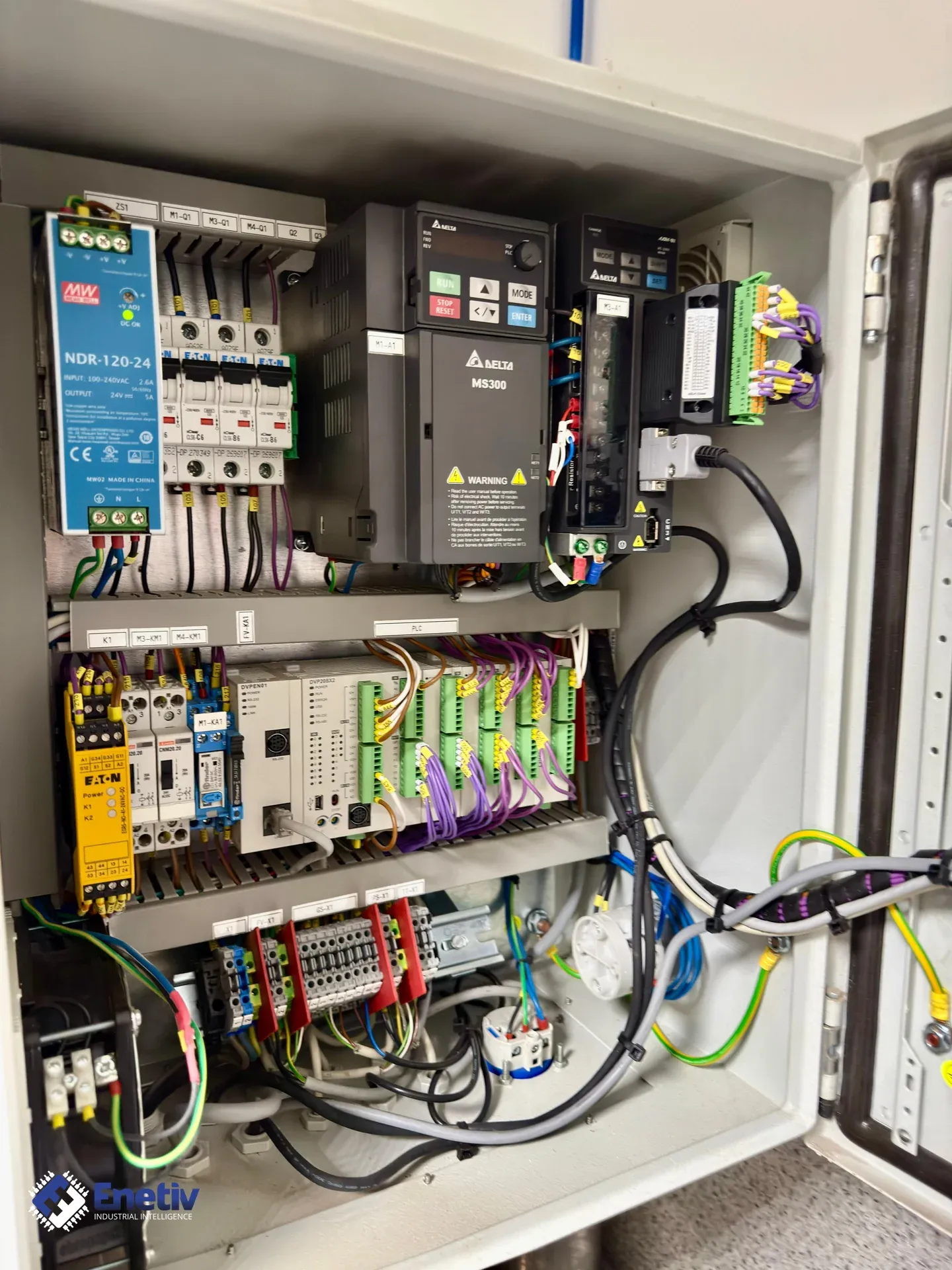
Enetiv offers comprehensive service and technical support — remote diagnostics, parameter transfer, firmware recovery and cloning of industrial computers — not just parts supply and repairs.
Enetiv can offer a complete service and technical support package, not just parts supply and repairs (specific examples at the end of the article):
- Online support and remote diagnostics. Analysis of faults, logs and parameter trends, with no need for a service team to travel to the plant.
- Phone and email technical support during a breakdown: fast identification of the source of the problem, guidance on what to check on site, and whether a repair is worthwhile or a replacement is the better option.
- Consultations during commissioning and upgrades – component selection, spare parts kits for stock, schematic review, and recommendations for changes to improve reliability and serviceability.
- Parameter transfer from a dead device. Reading the memory of a damaged inverter, soft starter, servo amplifier or PLC (after first reviving the electronics) using specialized service tools.
- 1:1 configuration cloning to a new unit, so the customer does not have to reconfigure an entire drive or machine from scratch.
- Archiving the read settings as a backup copy (configuration file/backup) for future use.
- Chip image transfer / logic repair. Programming and copying the contents of EEPROM/Flash memory (e.g. 24Cxx, 29Fxxx, NAND, eMMC) from damaged control boards.
- Recovery of firmware, BIOS, licenses and hardware keys from a working unit to a spare one.
- Replacement of damaged processor chips, bridges and memory, reballing/SMD rework using BGA soldering stations, and verification that the image is correct.
- Interpreting faults on machines. Analysis of PLC, HMI, drive and I/O module error codes, as well as industrial networks (Profinet, Profibus, CAN, EtherNet/IP, etc.).
- Translating messages from the manufacturer's language into "user language": what the fault means, what to check and what is most likely the cause (sensor, wiring, mechanics, power supply).
- Creating short instructions for the maintenance team: how to respond to typical faults, in what order to perform diagnostics, and when to call in an external service provider.
- Repair and cloning of industrial computers (IPC). IPC diagnostics and repair: drives, power supplies, motherboards, capacitors, fans, backplane connectors.
- Creating a full disk image and cloning it to a new medium or a spare computer – together with the operating system, drivers, licenses and machine software.
- Migration from obsolete media (HDD, IDE, CompactFlash) to new SSDs while preserving full machine functionality.
- Building replacements for discontinued IPCs (selecting a modern industrial computer and transferring the system image).
Summary – the added value that working with ENETIV brings
In addition to supplying spare parts and repairing industrial automation components, Enetiv provides comprehensive technical support: remote diagnostics and online assistance, parameter transfer from damaged devices, programming and recovery of memory images, fault interpretation and the preparation of service procedures for maintenance teams, as well as the repair and cloning of industrial computers along with full system backups. As a result, we shorten machine downtime, secure the configurations of production lines and make it easier to maintain even very old but still operating installations.
Example 1: A customer has an inverter with an "overcurrent" fault – the customer sends the event history and motor operating parameters, and we advise what else to check mechanically and electrically, and whether the device is suitable for further operation.
Example 2: A pump inverter has failed and no one has a backup of the parameters – we read the settings from the damaged "donor" and load them into the new inverter, cutting downtime from several hours to a few dozen minutes.
Example 3: An HMI panel will not boot after a power loss – it turns out the memory image is corrupted. Reading the image from a working panel on a twin machine and writing it to a new chip brings the device back to life.
Example 4: A machine randomly stops with an encoder fault – after analyzing the alarms and trends, Enetiv prepares recommendations: checking the encoder cable, shielding and terminal box, and replacing a specific component.
Example 5: A press brake computer running Windows XP with an IDE drive starts to fail – Enetiv clones the disk, transfers the image to an SSD with an adapter, tests it and delivers a ready-to-install kit, and additionally prepares a spare image for the future.