What to do when your HMI panel fails and manufacturer support has ended? Refurbishment vs. Migration to a New Platform
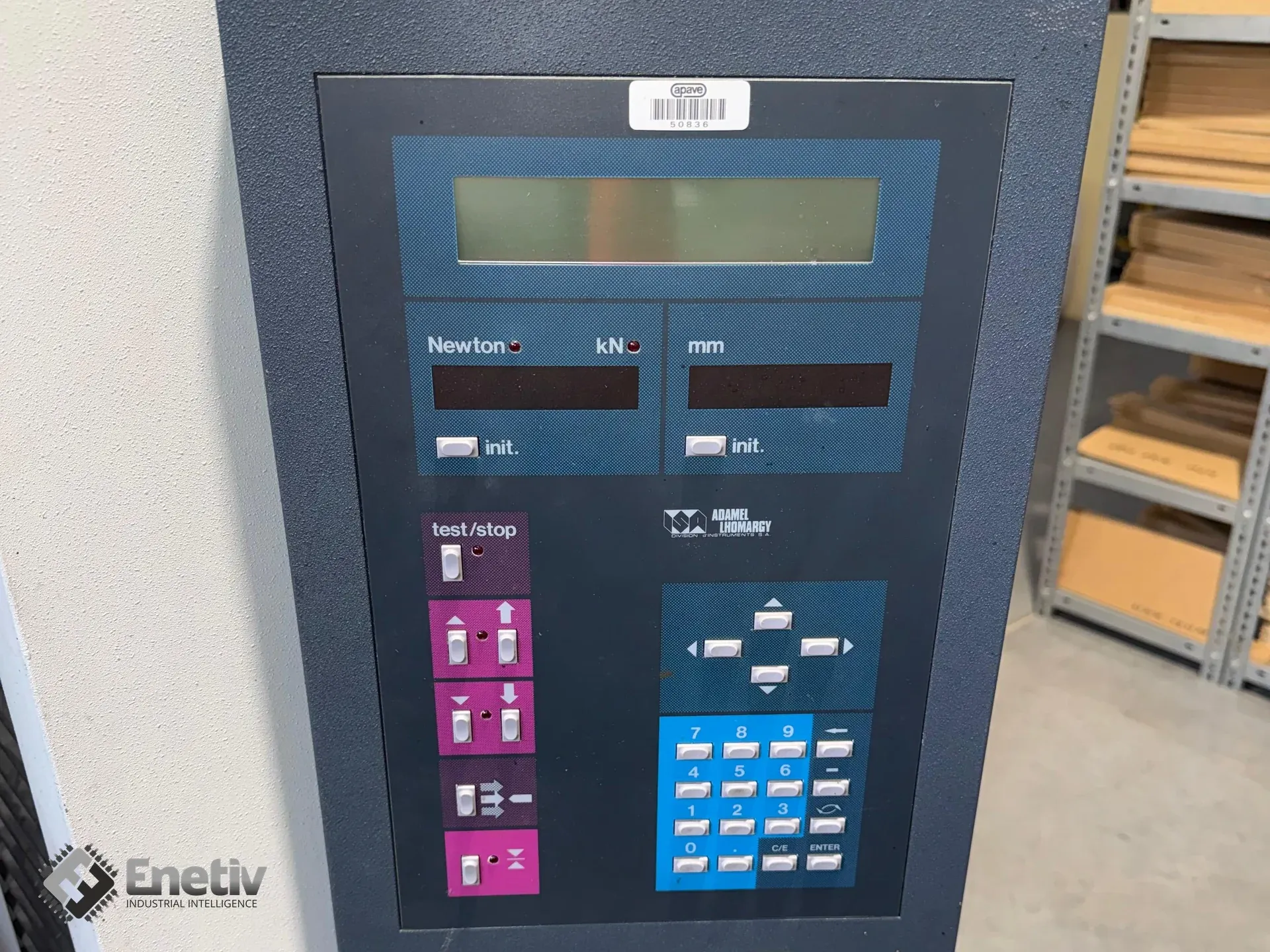
Solving the HMI panel problem: Refurbishment vs. Migration. HMI panels are a key element in controlling industrial machinery. When a failure occurs, downtime can cost hundreds of thousands of złoty. In this article, we look at two approaches — refurbishing existing HMI panels versus migrating to new units — and explain which solution delivers the most value depending on equipment age, repair costs, and technical requirements.
What to do when your HMI panel fails and manufacturer support has ended? Refurbishment vs. Migration to a New Platform
The HMI (Human-Machine Interface) operator panel is a critical communication link between operator and machine. When the screen goes dark or the digitizer stops responding to touch, the production line can grind to a halt. PLC-level fault diagnostics, recipe management, and process visualization all become unavailable.
Many Polish industrial plants still run machines that are 15–20 years old. The electronics in this equipment often already carry "Obsolete" (End of Life) status, meaning limited parts availability and no manufacturer support.
When a failure occurs, the maintenance department faces an important dilemma: migrate the system to a modern panel, or refurbish the existing hardware?
Migrating to a New HMI Panel – Hidden Costs and Risks
Buying a modern panel — for example, from the Siemens Comfort or Unified series to replace older Multi Panel units — may seem like the natural technological step. In practice, the hardware cost itself is only part of the total investment.
What does migration or retrofitting actually involve?
Engineering and Software Costs
Migration may require converting or rewriting the visualization application from scratch — for instance, when moving from ProTool or WinCC flexible to TIA Portal.
Communication Issues
Older PLCs often communicate via MPI, Profibus DP, or older serial networks. Modern panels are mainly built around Profinet and Ethernet, which can require additional communication gateways or hardware modifications to the PLC.
Downtime
Developing a new application, running I/O tests, and commissioning the system can take a machine out of production for several days — or, in more complex cases, even several weeks.
HMI Panel Refurbishment – the "Plug & Play" Principle
For plants focused on minimizing downtime and maintaining high OEE, refurbishing an existing HMI panel can be a faster and less costly solution than a full migration.
The refurbishment process involves component-level electronics repair. It may include replacing worn backlighting, capacitors, the digitizer, power supply components, or protective glass, while preserving the original mainboard and device configuration.
The biggest advantage? A repaired panel can go back onto the machine in plug-and-play mode. There's no need to modify the PLC code, rebuild the visualization application, or reconfigure communications. The system keeps its existing architecture and behavior.
An alternative can also be purchasing a compatible unit — new or used — to use during the refurbishment period, or as a permanent replacement.
The Most Common "Obsolete" Panels in Industry and Their Typical Faults
Based on the most frequently seen service cases, certain operator panel families stand out as particularly prone to failure due to age — and repair often remains cost-effective.
| Manufacturer & Panel Family | Market Status | Most Common Hardware Faults | Repairability |
|---|---|---|---|
| Siemens SIMATIC MP277 / OP277 / TP177B | Obsolete / End of Life | No touch response, digitizer wear, backlight failures | Digitizer, LCD panel, and backlight component replacement is often possible |
| Allen-Bradley PanelView Plus 700 / 1000 / 1500 | End of Life | Boot errors, CompactFlash memory issues, membrane keypad damage | Refurbishment of selected components and replacement of damaged parts is possible |
| Pro-face AGP3000 Series, e.g. AGP3300 | End of Life | Image streaking/interference, power supply issues, loss of touch calibration | Power section repair and replacement of selected panel elements is possible |
| Schneider Electric Magelis XBT GT / GK | End of Life | No image despite correct power supply, issues from vibration and connector damage | Backlight and electronics repair possible depending on the fault |
| Omron NS Series, NS8 / NS10 / NS12 | End of Life | Display issues and RS232/422 communication interface failures | Communication repair and display component replacement is possible |
Golden Rules of Quick HMI Diagnostics for Automation Engineers and Maintenance Teams
Before sending a panel off for repair, it's worth performing basic diagnostics directly at the machine.
24 V DC Power Supply
Use a multimeter directly on the panel's terminals. Voltage that's too low can prevent the device from starting up correctly and can produce symptoms resembling a total failure.
Backlight Test
If the screen is completely dark, shine a strong light source on it at an angle. If you can make out the outline of the application, buttons, or other interface elements, the issue may lie with the backlight assembly rather than the mainboard.
Bus Diagnostics
Check the communication status LEDs on both the HMI panel and the PLC. For systems using industrial bus networks, it's also worth checking for communication error signaling.
Touchscreen and Panel Inspection
Check the screen for deep scratches, cracks, or other mechanical damage. A damaged touch surface can cause incorrect device response or block interface operation entirely.
Preventive Maintenance Schedule for HMI Screens
Rather than waiting for a failure, it's worth implementing regular equipment checks.
| Inspection Area | Frequency | Required Action | Benefit to the Plant |
|---|---|---|---|
| Memory dump and system backup | Once a year or after every changeover | Back up the panel's configuration and data | Enables quick system restoration on a spare or repaired unit |
| Touch coating and digitizer | Quarterly | Clean with appropriate agents, avoiding harsh solvents | Reduces the risk of damage and touchscreen misresponse |
| Ports and communication | During maintenance shutdowns | Check connector condition, cable fastening, and shielding | Reduces the risk of intermittent communication errors and interference |
FAQ – Engineers' Most Common Questions
Is refurbishing an HMI panel more cost-effective than migration?
For many older machines — yes. Refurbishment preserves the existing system architecture and reduces costs associated with developing new software and reconfiguring communications. However, the final decision should depend on the condition of the equipment, parts availability, and the machine's planned remaining service life.
What does fixing a "black screen" HMI fault involve?
One common cause is failure of the backlight assembly or its power components. Depending on the panel's design, the repair may involve replacing damaged components or upgrading the backlight system.
Does Enetiv service old CNC and PLC machine panels?
Enetiv specializes in servicing industrial electronics, including operator panel refurbishment, mainboard repairs, and replacement of digitizers and other HMI device components.
Summary
"Obsolete" status doesn't have to mean the end of a machine's service life. Before starting a costly migration project, it's worth checking whether the problem can be resolved through a professional hardware-level repair instead.
Refurbishment can help cut costs, shorten downtime, and preserve the system's existing configuration.
Have a damaged screen, a memory issue, or a panel that won't start up correctly? Take advantage of diagnostics at the Enetiv lab. Check out our HMI operator panel repair services or the availability of compatible replacement units to help get your machine back up and running quickly.